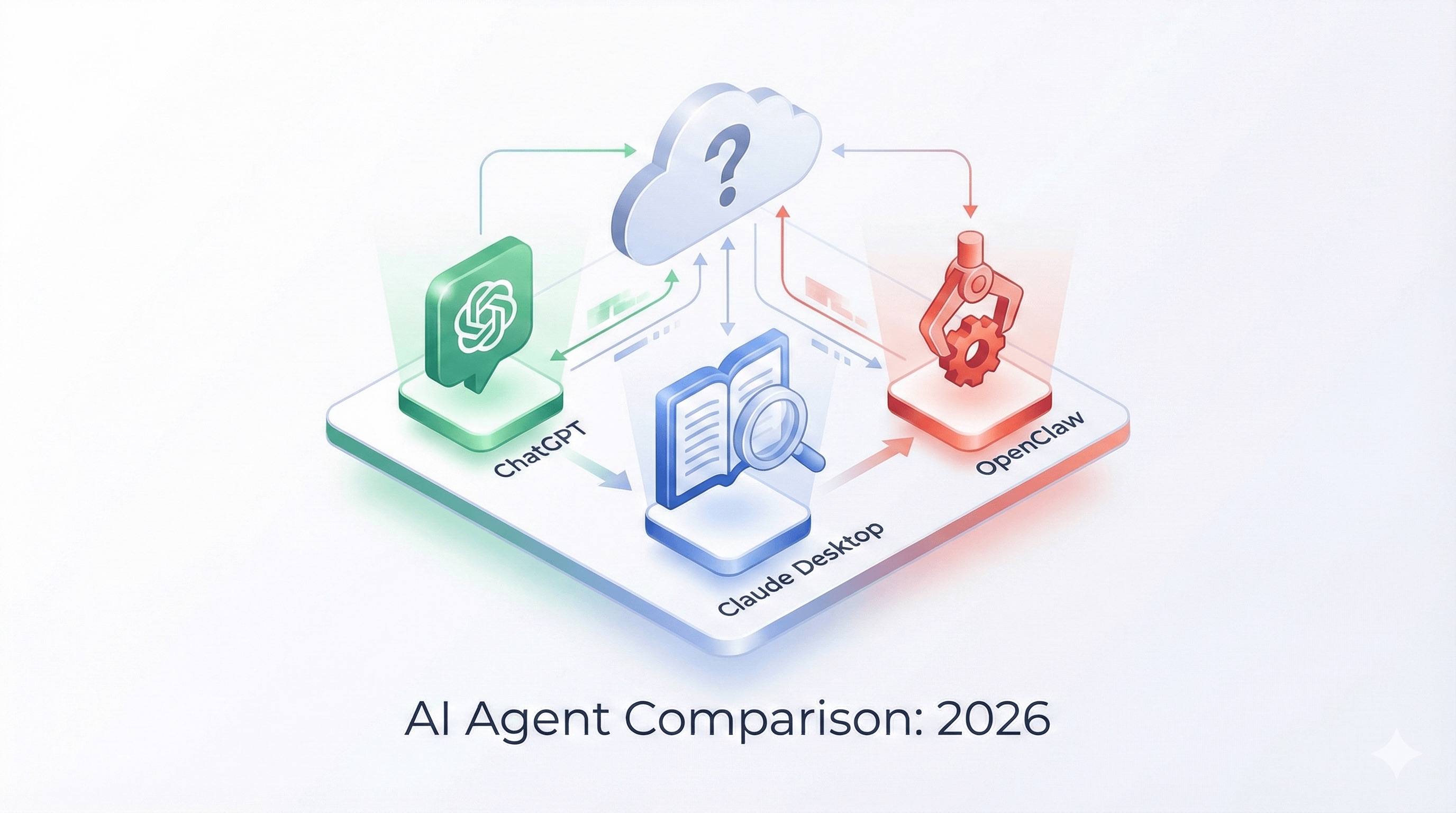
OpenClaw vs Claude Desktop vs ChatGPT: Which AI Agent Should You Use in 2026?
Published: February 2026
Category: OpenClaw Guides
Read time: 9 min
The AI assistant landscape in 2026 is crowded. You've got Claude Desktop, ChatGPT, Gemini, Copilot, and now — the viral newcomer — OpenClaw. Each one promises to make you more productive. Each one works very differently.
If you're trying to figure out which tool actually fits your needs, this guide gives you an honest, side-by-side breakdown — no hype, no affiliate agenda. Just a clear-eyed look at what each tool is genuinely good at, where each one falls short, and who should be using what.
The Short Answer (If You're in a Hurry)
- ChatGPT — Best for one-off questions, creative writing, and users who want a polished, zero-setup consumer experience
- Claude Desktop — Best for deep document work, long context analysis, and users who want a thoughtful, safety-conscious AI in a clean desktop app
- OpenClaw — Best for developers and power users who want an always-on AI agent that autonomously executes tasks, connects to their real tools, and runs entirely on their own hardware
They're not really competing for the same use case. The confusion is that they all involve "talking to an AI." What they actually do is quite different.
What Each Tool Actually Is
ChatGPT
ChatGPT is a hosted AI chat product built by OpenAI, available at chat.openai.com and via mobile apps. You open it, type a message, get a response. With GPT-4o and the Plus subscription, you get image generation, voice mode, memory (limited), and access to plugins and GPTs.
It's a consumer-grade AI assistant. Brilliant for many things. But it lives on OpenAI's servers, resets context frequently, and has no real ability to take actions in your environment beyond what OpenAI has explicitly built in.
Claude Desktop
Claude Desktop is Anthropic's native desktop application, powered by Claude — currently one of the most capable large language models available. Its standout feature is an exceptionally large context window (up to 200K tokens), making it exceptional for analyzing long documents, codebases, research papers, and anything requiring deep, nuanced understanding.
Claude Desktop also supports MCP (Model Context Protocol) — a standardized way to connect Claude to local tools and data sources. With MCP configured, Claude Desktop can read files, query databases, and integrate with developer tools. It's powerful, but still fundamentally a desktop app you open and interact with manually.
OpenClaw
OpenClaw is something different: a self-hosted AI agent runtime. It's not an app you open — it's a background service you install on your machine (or a server) that runs continuously, 24 hours a day, 7 days a week.
OpenClaw connects to AI models (Claude, GPT-4, Gemini, or local models via Ollama) and then acts as a gateway between those models and your real environment: your files, your shell, your calendar, your messaging apps, your APIs. It's persistent, proactive, and autonomous — it can message you with updates without you asking first.
Head-to-Head Comparison
Privacy & Data Control
ChatGPT: Your conversations are processed and stored on OpenAI's servers. OpenAI uses conversation data to improve models unless you opt out. For sensitive work, this is a real concern.
Claude Desktop: Conversations are processed by Anthropic's servers. Anthropic has strong privacy commitments and doesn't train on your data by default in paid tiers, but your data still transits their infrastructure.
OpenClaw: Your data stays on your machine. The Gateway runs locally, memory is stored as plain text files in
~/.openclawWinner: OpenClaw — if data sovereignty matters to you, there's no competition.
Autonomy & Proactive Behavior
ChatGPT: Entirely reactive. It does nothing unless you open the app and type a message. No background execution, no proactive outreach, no memory that persists meaningfully across sessions.
Claude Desktop: Also reactive. Excellent at deep work when you engage with it, but it doesn't run in the background or reach out to you.
OpenClaw: Genuinely autonomous. It runs a heartbeat every 30 minutes, reads a task checklist, and acts on anything that needs attention — without you touching it. It can message you on WhatsApp or Telegram to deliver a report, flag an issue, or complete a scheduled task. This is the defining capability that separates OpenClaw from every other tool in this list.
Winner: OpenClaw — no other tool on this list runs autonomously in the background.
Ease of Setup
ChatGPT: Zero setup. Create an account, open the browser, start typing. The most accessible AI tool ever made.
Claude Desktop: Download the app, sign in, optionally configure MCP servers. Straightforward for most users, though MCP setup requires some technical comfort.
OpenClaw: Requires Node.js, a terminal, and willingness to configure API keys, channels, and services. The onboarding wizard helps, but OpenClaw is fundamentally a developer tool. One of its own maintainers has said: "If you can't understand how to run a command line, this is far too dangerous of a project for you to use safely."
Winner: ChatGPT — for pure ease of access, nothing beats it.
Long Context & Document Analysis
ChatGPT: GPT-4o supports up to 128K token context, which handles most documents comfortably.
Claude Desktop: Up to 200K tokens — the largest context window of any major AI product. Claude is widely regarded as the best option for long document analysis, legal review, research summarization, and anything requiring nuanced understanding of large volumes of text.
OpenClaw: OpenClaw delegates inference to whatever AI model you configure. If you point it at Claude, you get Claude's context capabilities. If you point it at GPT-4, you get GPT-4's. OpenClaw itself doesn't compete here — it's a runtime, not a model.
Winner: Claude Desktop — for pure document understanding and long-context work, Claude is the best tool available.
Real-World Task Execution
ChatGPT: Can browse the web, run Python code in a sandbox, and generate images. Limited to what OpenAI has explicitly enabled. Cannot access your local files, run arbitrary shell commands, or integrate with your personal tools.
Claude Desktop: With MCP configured, Claude can read and write local files, query databases, and call APIs. Impressive for a desktop app, but still requires manual prompting and doesn't run autonomously.
OpenClaw: This is where OpenClaw has no equal on this list. It can read and write files, run shell commands, control a browser, manage your calendar, send messages on your behalf, execute cron jobs, call external APIs, and delegate tasks between agents. All of this happens autonomously, triggered by heartbeat or by a message from you on WhatsApp. The 700+ community skills extend this further into virtually every tool and service you use.
Winner: OpenClaw — for real-world execution in your actual environment, it's not close.
Cost
ChatGPT Plus: $20/month for GPT-4o access, image generation, and advanced features.
Claude Pro: $20/month for Claude's most capable models, extended context, and priority access.
OpenClaw: Free and open source. You pay only for the AI model API calls you make — typically a few dollars per month for light use, potentially more for heavy autonomous operation. You also need hardware to run it on (a Mac Mini, Raspberry Pi, or VPS). The infrastructure cost is real, but the software itself is free.
Winner: Depends — ChatGPT and Claude Pro are simpler to budget. OpenClaw is cheaper at scale but requires more infrastructure investment upfront.
Multi-Platform Messaging
ChatGPT: iOS, Android, web, desktop. Interacts with you through OpenAI's own apps only.
Claude Desktop: macOS, Windows. Interacts through Anthropic's desktop app only.
OpenClaw: WhatsApp, Telegram, Discord, Slack, Signal, iMessage, Microsoft Teams, Google Chat, Matrix, and more. You interact with your AI agent through whatever messaging app you already use. This is a genuinely unique capability — your AI lives where you already are.
Winner: OpenClaw — no other tool reaches you across 12+ messaging platforms.
Full Comparison Table
| Feature | ChatGPT | Claude Desktop | OpenClaw | |---|---|---|---| | Data stays on your machine | ❌ | ❌ | ✅ | | Runs 24/7 autonomously | ❌ | ❌ | ✅ | | Proactive heartbeat | ❌ | ❌ | ✅ | | Long document analysis | ✅ Good | ✅ Best | Depends on model | | Shell & file execution | Limited | With MCP | ✅ Full | | Multi-channel messaging | ❌ | ❌ | ✅ 12+ platforms | | Open source | ❌ | ❌ | ✅ MIT | | Zero setup | ✅ | ✅ | ❌ | | Skills/extensions | GPTs | MCP servers | 700+ ClawHub skills | | Works offline (local models) | ❌ | ❌ | ✅ via Ollama | | Cost | $20/mo | $20/mo | API costs only |
So Which Should You Use?
Use ChatGPT if: You want the most polished, zero-friction AI assistant experience. You're not a developer. You need image generation or voice mode. You do occasional creative writing, research, or Q&A and don't need anything to run autonomously.
Use Claude Desktop if: You work with long documents, complex codebases, or nuanced analysis. You want the most thoughtful, safety-conscious model available. You're a developer comfortable with MCP who wants to give Claude access to local tools without running a persistent background service.
Use OpenClaw if: You're a developer who wants an AI agent that actually runs your life in the background. You care about data sovereignty. You want to reach your AI through WhatsApp or Telegram without opening a separate app. You're building automation workflows, running multi-agent pipelines, or managing recurring tasks that should execute without your involvement.
Use all three if: You're serious about AI-augmented productivity. ChatGPT for quick questions, Claude Desktop for deep document work, OpenClaw running 24/7 in the background handling the operational layer of your life.
The One Thing OpenClaw Still Needs
If you've decided OpenClaw is for you — or you're already running it — there's one gap worth knowing about: visibility.
OpenClaw's power is undeniable, but the default Gateway dashboard wasn't designed for operations. Once you're running multiple agents, tracking API costs, managing scheduled tasks, and debugging agent behavior, the built-in UI shows its limits fast.
That's where ClawDash comes in — a professional mission control dashboard template built specifically for OpenClaw operators. Real-time agent monitoring, cost tracking, task orchestration, memory inspection, and log viewing — all in a production-grade Next.js interface you can deploy in under 30 minutes.
Final Verdict
ChatGPT, Claude Desktop, and OpenClaw are three genuinely different tools solving three genuinely different problems. The question isn't which one is "best" — it's which one fits what you're actually trying to do.
For autonomous AI agents that work on your hardware and connect to your real world: OpenClaw is in a category of its own.
And once you're running it properly, give it the dashboard it deserves.
Explore ClawDash Mission Control →
ClawDash.pro is an independent UI template project and is not affiliated with, endorsed by, or sponsored by OpenClaw, Anthropic, or OpenAI.
Tags: OpenClaw vs ChatGPT, OpenClaw vs Claude, best AI agent 2026, self-hosted AI agent, OpenClaw comparison, Claude Desktop vs OpenClaw, AI assistant comparison, ClawDash
Share this article