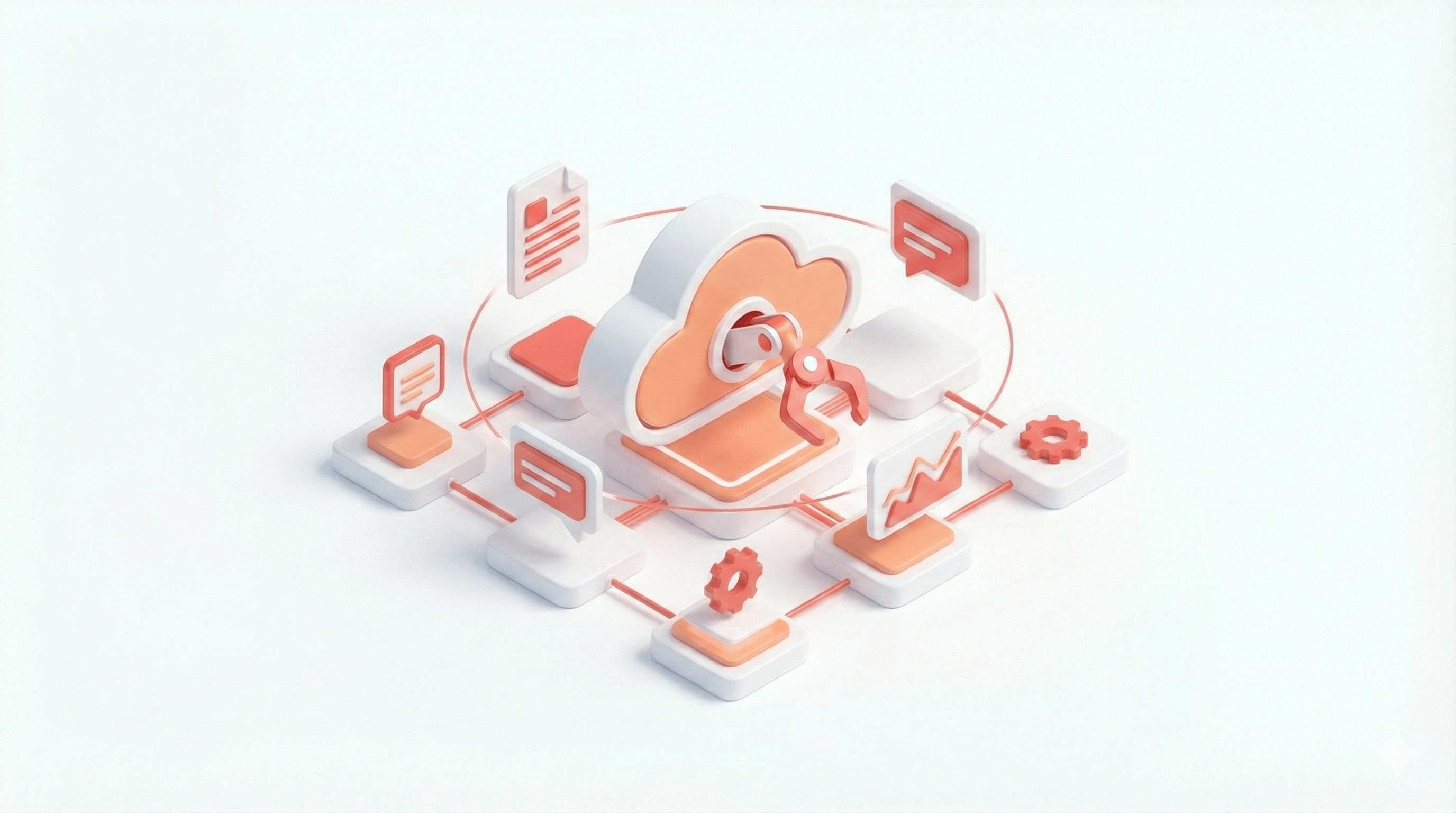
The Ultimate Mission Control for OpenClaw AI Agents in 2026
If you run OpenClaw for a personal AI assistant or an entire workforce of sub-agents, you already know how powerful autonomous automation can be. OpenClaw can summarize email, scrape the web, execute terminal commands, and support coding workflows with model-driven agents.
As your AI workforce grows, a new bottleneck appears: oversight. You need to know what agents are doing, how much they cost, and when to intervene.
You need mission control.
Why Your AI Workforce Needs a Mission Control Dashboard
OpenClaw via CLI and messaging channels (Discord, Telegram, WhatsApp) is excellent for direct interaction. But long-running tasks and multi-agent systems quickly become hard to monitor from terminal logs or chat threads alone.
A centralized mission control dashboard gives you:
- Total visibility: See which agents are active, pending, idle, or blocked.
- Cost management: Track token usage and API spend in real time.
- Intervention controls: Kill stuck processes, approve actions, and redirect execution quickly.
- Heartbeat monitoring: Confirm scheduled jobs and recurring automations are actually running.
Key Features to Look For in an OpenClaw Dashboard
Whether you build your own UI or choose a prebuilt solution, prioritize these features:
Live Session Tracking
Get an immediate visual map of main agents and spawned sub-agents across projects.
Streaming Chat Widgets
Join any active thread, review outputs, and communicate with agents in context.
Resource Analytics
Monitor token burn, memory state, and system usage trends before costs drift.
Channel and Tool Management
Control skills, external tool permissions, and connected messaging channels from one interface.
Take Control with ClawDash Pro
If you do not want to spend time building and maintaining a custom control UI, ClawDash Pro is purpose-built for OpenClaw operators.
ClawDash Pro provides a clean, centralized interface to monitor, control, and optimize your OpenClaw workflows with less friction and better operational confidence.
Stop guessing what agents are doing in the background. Get full oversight with ClawDash Pro.
Frequently Asked Questions (FAQ)
What is the OpenClaw framework?
OpenClaw is an open-source AI agent framework that connects LLM workflows to your local environment and external channels so agents can execute actions, run code, and automate tasks.
Why do I need a dashboard for OpenClaw?
Because dashboards give you operational visibility: token usage, active sub-agents, task progress, and heartbeat health in one place.
Can I control multiple sub-agents from one interface?
Yes. A mission control dashboard lets you list, monitor, steer, and terminate sub-agents across projects.
Does ClawDash Pro work with all LLMs?
ClawDash Pro tracks OpenClaw agent operations regardless of the underlying model provider configured in your stack.
SEO JSON-LD Schema
{
  "@context": "https://schema.org",
  "@type": "FAQPage",
  "mainEntity": [
    {
      "@type": "Question",
      "name": "What is the OpenClaw framework?",
      "acceptedAnswer": {
        "@type": "Answer",
        "text": "OpenClaw is an open-source AI agent framework that connects LLM workflows to your local environment and external channels so agents can execute actions, run code, and automate tasks."
      }
    },
    {
      "@type": "Question",
      "name": "Why do I need a dashboard for OpenClaw?",
      "acceptedAnswer": {
        "@type": "Answer",
        "text": "Because dashboards give you operational visibility: token usage, active sub-agents, task progress, and heartbeat health in one place."
      }
    },
    {
      "@type": "Question",
      "name": "Can I control multiple sub-agents from one interface?",
      "acceptedAnswer": {
        "@type": "Answer",
        "text": "Yes. A mission control dashboard lets you list, monitor, steer, and terminate sub-agents across projects."
      }
    },
    {
      "@type": "Question",
      "name": "Does ClawDash Pro work with all LLMs?",
      "acceptedAnswer": {
        "@type": "Answer",
        "text": "ClawDash Pro tracks OpenClaw agent operations regardless of the underlying model provider configured in your stack."
      }
    }
  ]
}
Share this article