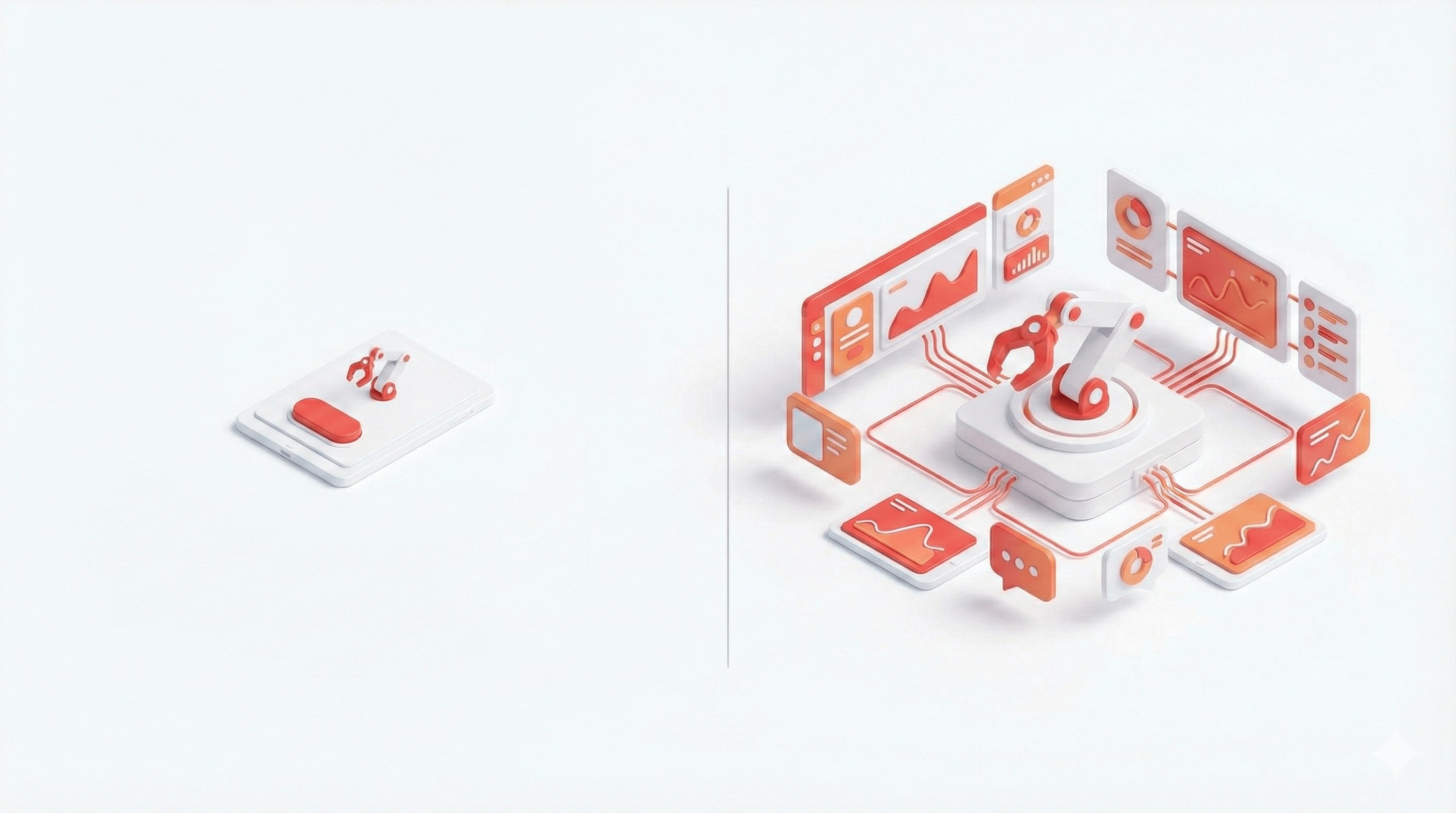
Why the Default OpenClaw Dashboard Isn't Enough for Power Users
Published: February 2026
Category: OpenClaw Guides
Read time: 7 min
You've set up OpenClaw. Your agents are running. The Gateway is humming away in the background on your Mac Mini, pulling heartbeats every 30 minutes, processing messages from WhatsApp, executing tasks while you sleep.
It feels like magic.
Then you open
localhost:18789The default OpenClaw dashboard is functional. It tells you the Gateway is online, lets you poke around sessions, and gives you a basic chat interface. For a quick sanity check, it works fine.
But if you're running OpenClaw seriously — multiple agents, scheduled automations, real API spend, maybe even client projects — the built-in UI starts showing its limits very quickly. This post covers exactly where those limits are, and what serious operators use instead.
The Problem: OpenClaw Was Built for Power, Not Visibility
OpenClaw's core innovation is the Gateway — the always-on runtime engine that routes messages, schedules heartbeats, and executes agent tasks. It's genuinely impressive engineering.
The built-in dashboard, however, was designed as a developer utility, not an operations interface. It shows you that things are working. It doesn't help you understand how well they're working, what they're costing you, or where they're getting stuck.
That gap becomes painful fast.
6 Things You Can't Do With the Default OpenClaw UI
1. See All Your Agents at Once
If you're running more than one agent — a research agent, a social media agent, a support bot, a personal assistant — the default UI doesn't give you a side-by-side status view.
You end up switching between sessions, running
openclaw gateway statusWhat you actually need: a single dashboard panel showing every agent's current status (active, idle, stuck, erroring), last heartbeat timestamp, and response time — at a glance, without terminal-hopping.
2. Track What You're Spending
OpenClaw connects to Claude, GPT-4, Gemini, or whichever LLM you configure. Every prompt costs tokens. Every heartbeat costs tokens. Every autonomous task your agent runs in the background while you sleep costs tokens.
The default dashboard shows you nothing about this.
Plenty of OpenClaw users have opened their Anthropic or OpenAI billing dashboard at the end of the month and been genuinely shocked. Without per-agent cost tracking, you have no idea which workflows are expensive, which agents are over-prompting, or when you're about to blow past your budget.
What you actually need: real-time cost tracking broken down by agent and model, with daily/weekly/monthly trend lines and budget alert thresholds you can configure.
3. Manage Tasks Like a Pro
OpenClaw's heartbeat scheduler is powerful, but the default UI gives you no visual overview of what's in your queue, what's in progress, what's done, and what failed silently.
You end up digging through
HEARTBEAT.mdWhat you actually need: a Kanban-style task board where you can see the full lifecycle of every agent task, from scheduled → running → complete (or failed), with timestamps and output previews.
4. Inspect Memory Without the Terminal
OpenClaw's memory system is one of its best features. Every agent maintains persistent context across sessions, stored as plain Markdown files in
~/.openclawBut when something goes wrong — when an agent starts behaving unexpectedly, forgetting context it should have, or acting on stale information — debugging it means navigating through the filesystem, opening files in a text editor, and trying to manually understand what the agent currently "knows."
What you actually need: a clean memory browser that lets you view, search, and inspect agent memory files from a UI, without touching the terminal.
5. Monitor Real-Time Logs Without a Terminal Session
To watch what your agents are actually doing in real time, the default approach is to SSH into your machine and tail logs from the command line. That works. It's also cumbersome, especially on mobile, and completely impractical if you want to share visibility with a team member or client.
What you actually need: a real-time log viewer built into your dashboard, accessible from any browser, with filtering by agent and log level.
6. Present It to Anyone Else
This one might be the most underrated limitation.
If you're building OpenClaw-powered workflows for clients, running a team that uses shared agents, or just want to demo what your automation setup looks like — the default dashboard isn't something you'd ever show someone outside of a technical context. It looks like a developer utility, because that's what it is.
What you actually need: a professional interface that communicates competence and control, whether you're showing it to a client, a manager, or just yourself.
The Real Cost of Building This Yourself
At this point, you might be thinking: "I'm a developer, I'll just build the dashboard I need."
Fair. But consider what that actually involves:
Building a proper multi-agent status panel means implementing WebSocket connections to the OpenClaw Gateway, managing real-time state, and designing UI components that actually communicate useful information at a glance. That's not an afternoon project.
Adding cost tracking means parsing and aggregating token usage data per session, storing historical records, building trend charts, and implementing alert logic. That's another week, easily.
The Kanban task manager, the memory browser, the log viewer — each one of those is a meaningful frontend engineering project. Together, they're a substantial application.
And all of that is before you spend time on design, making it responsive, adding TypeScript types, and wiring everything together cleanly.
Most OpenClaw operators who go down this path end up with something that technically works but that they're constantly patching and extending, rather than actually using to run their agents.
What Serious OpenClaw Operators Use Instead
This is exactly the problem that ClawDash was built to solve.
ClawDash.pro provides production-grade Next.js mission control dashboard templates for OpenClaw. Built with Next.js 15, TypeScript 5, and Tailwind CSS 4, they're the professional operations interface the default UI was never designed to be.
Here's what you get out of the box:
Real-Time Agent Monitoring — Every agent's status, health, and last heartbeat on a single screen. See what's active, what's idle, and what needs your attention — without opening a terminal.
Cost Guardian — Per-agent, per-model token tracking with daily and monthly projections. Set budget thresholds and get alerted before a runaway agent eats your API credits.
Task & Workflow Orchestration — Kanban boards for your agent task pipeline. Schedule cron jobs, track automation workflows from start to finish, and see exactly what your agents completed while you were away.
Memory & Log Navigator — Browse agent memory files and tail real-time logs from a clean browser UI. Debug agent behavior without leaving the dashboard.
Gateway & Runtime UI — Visualize connected gateways, manage sessions, and operate your OpenClaw runtime without touching the CLI.
Fully Customizable — Because every OpenClaw setup is different, ClawDash templates are frontend-only starter kits. You get the full Next.js source code, hook it up to your OpenClaw instance via API, and extend it however you need. The Tailwind CSS foundation makes restyling for your brand a matter of minutes.
Lifetime Updates — Pay once, own the code forever. New components and integrations ship every month and you get them automatically.
Who ClawDash Is For
Homelab operators and Pi enthusiasts running always-on OpenClaw instances who want a proper single-pane-of-glass view of their local agents.
Freelancers and agency developers who build OpenClaw-powered workflows for clients and need a professional interface to present and hand off.
Cost-conscious developers who are serious about not getting surprised by a $300 API bill and want granular visibility into exactly what's driving their spend.
Multi-agent power users running three, five, or ten agents simultaneously who need operational control beyond what the CLI can give them.
Getting Started
ClawDash templates start at $49 for the flagship Mission Control dashboard — a one-time purchase with lifetime updates and a commercial license for client projects.
Setup takes under 30 minutes: purchase the template, run it locally or deploy to Vercel, point it at your OpenClaw directory, and connect it to your Gateway via API.
No subscriptions. No monthly fees. Just a professional dashboard you own.
If you're still evaluating whether ClawDash is right for your setup, the full feature breakdown on the homepage shows exactly what's included in every template.
Bottom Line
The default OpenClaw dashboard is fine for getting started. It confirms your Gateway is running and lets you poke around. For anything beyond that — real operations, real spend, real agents doing real work — you need more.
OpenClaw gives you the power. ClawDash gives you the control surface.
See the Mission Control Template →
ClawDash.pro is an independent UI template project and is not affiliated with, endorsed by, or sponsored by OpenClaw or its creator.
Tags: OpenClaw dashboard, OpenClaw UI, OpenClaw mission control, OpenClaw monitoring, ClawDash, AI agent dashboard, OpenClaw cost tracking, self-hosted AI dashboard
Share this article